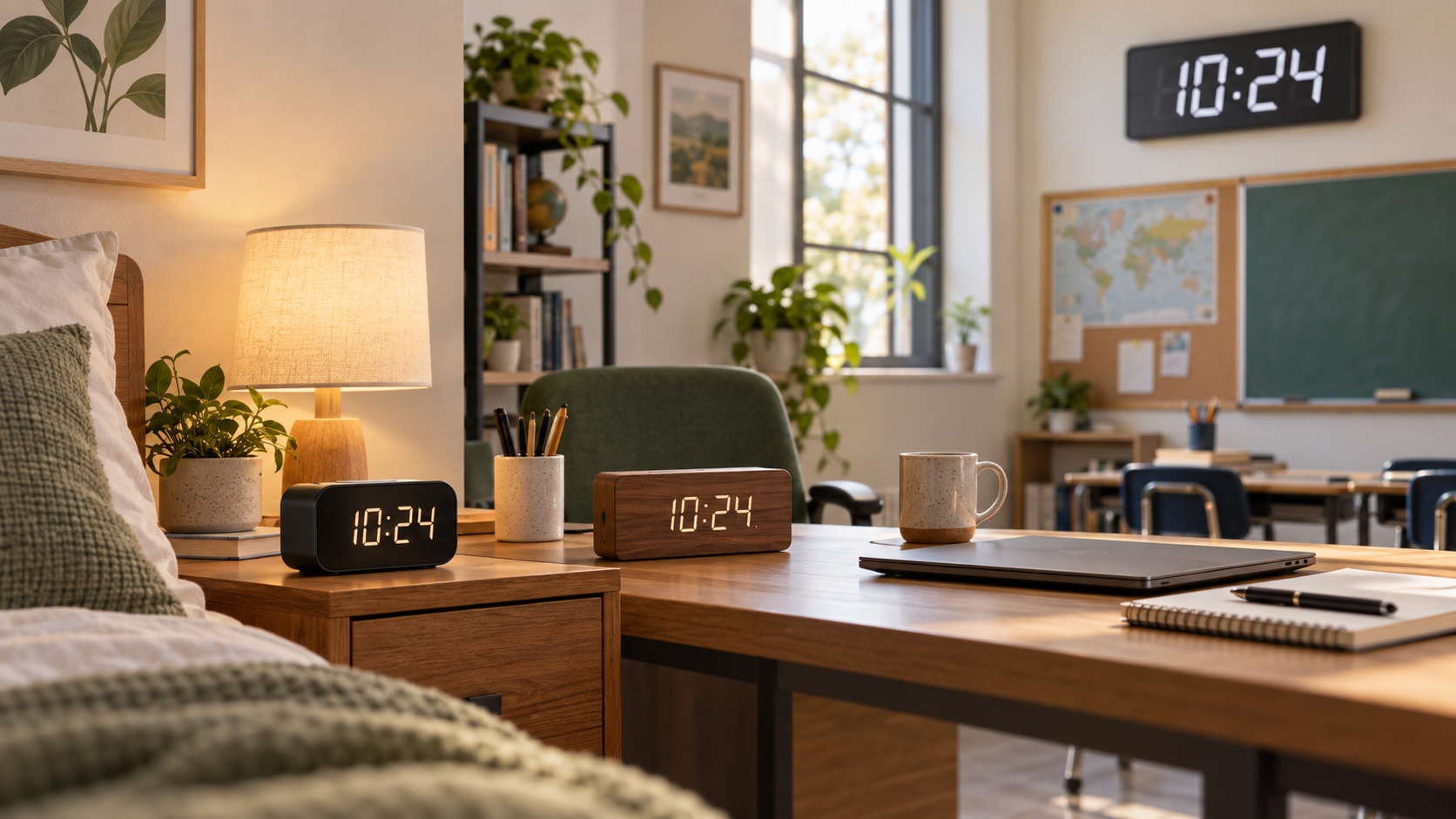
Your phone tells the time, but you have to pick it up and unlock it. A digital clock keeps the time where you can see it. It can also give you an alarm without putting your phone next to the bed.
The best digital clock depends on the room. In a bedroom, look for a display that will not feel too bright and an alarm that is easy to control. On an office desk, the time should be clear without adding clutter. In a classroom, the clock needs a large display and a safe place near an outlet.
WhoAdvice researched product manuals, specifications, model numbers, and current US options for this guide. We did not test these clocks. That means we do not make our own claims about brightness, sound, or how far away a display can be read. If you have a spare phone, tablet, laptop, or monitor, you can try this free retro flip clock in full screen before buying a clock.
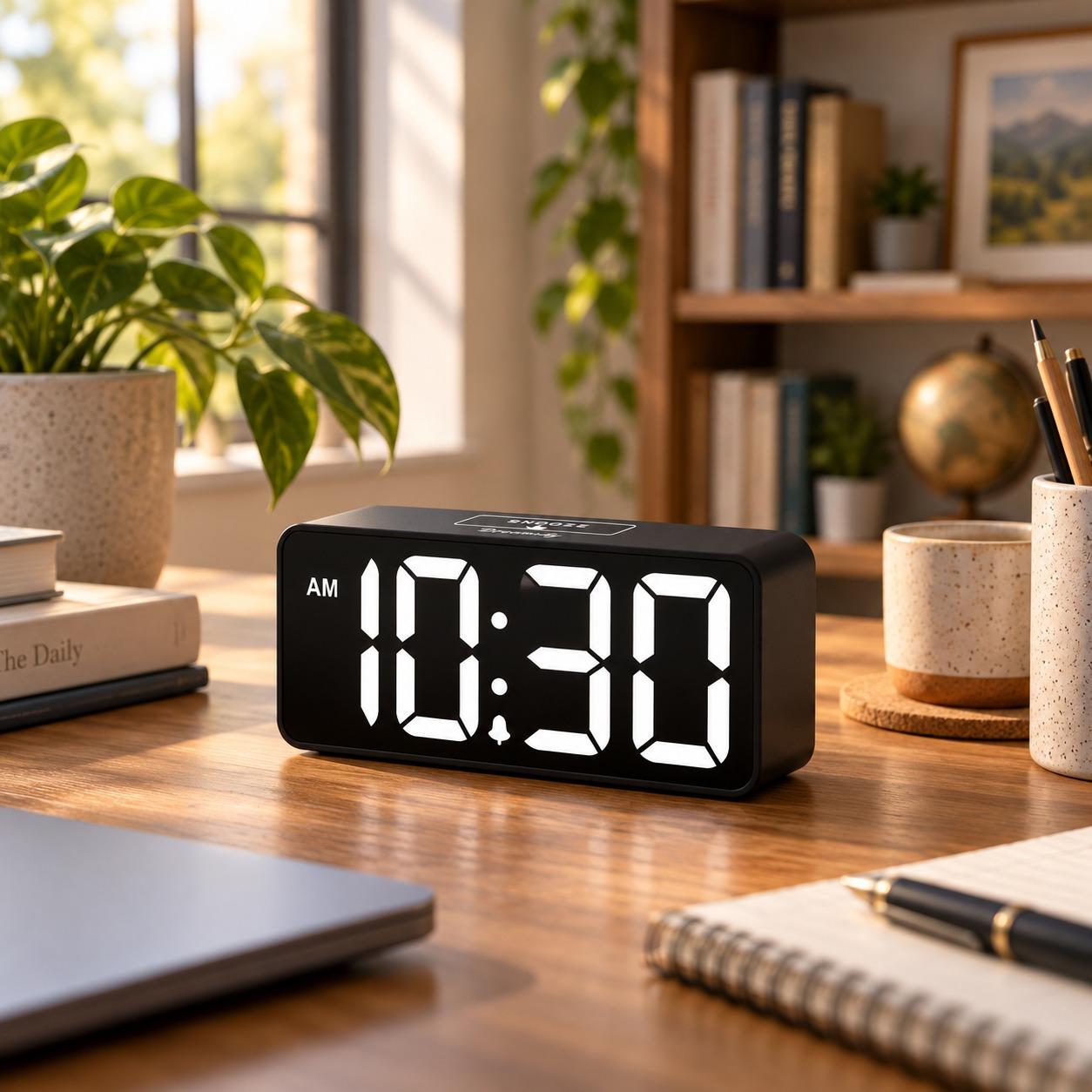
DreamSky DS312 Compact Digital Alarm Clock
“Its large digits, continuous brightness control, adjustable alarm volume, and compact case cover the main bedside needs. The backup batteries save settings but do not keep the alarm running during an outage.”
Check Price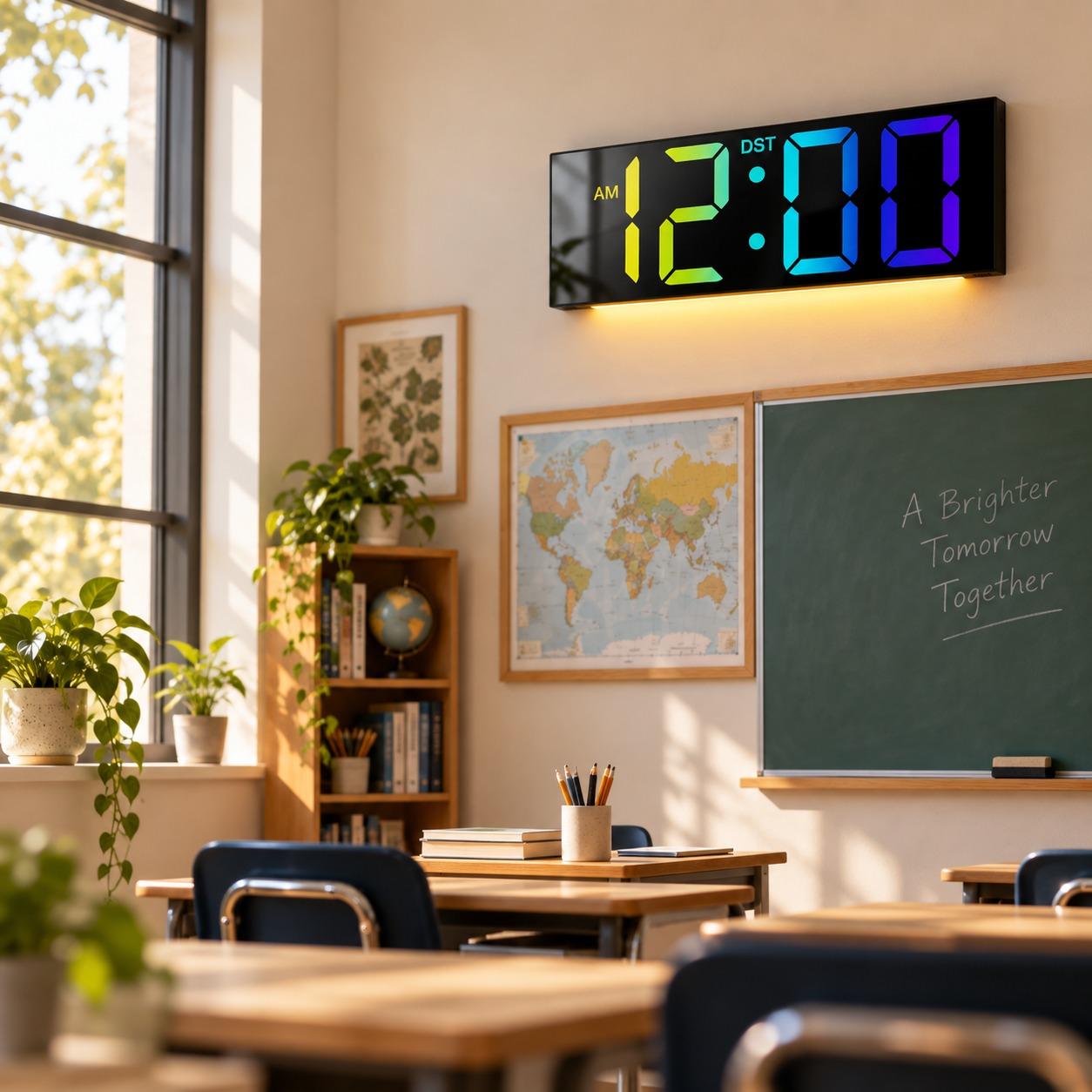
JALL PH05 12-Inch Digital Wall Clock
“This corded wall-or-table model has a larger case than the bedside clocks here. Placement depends on a safe route to an electrical outlet.”
Check Price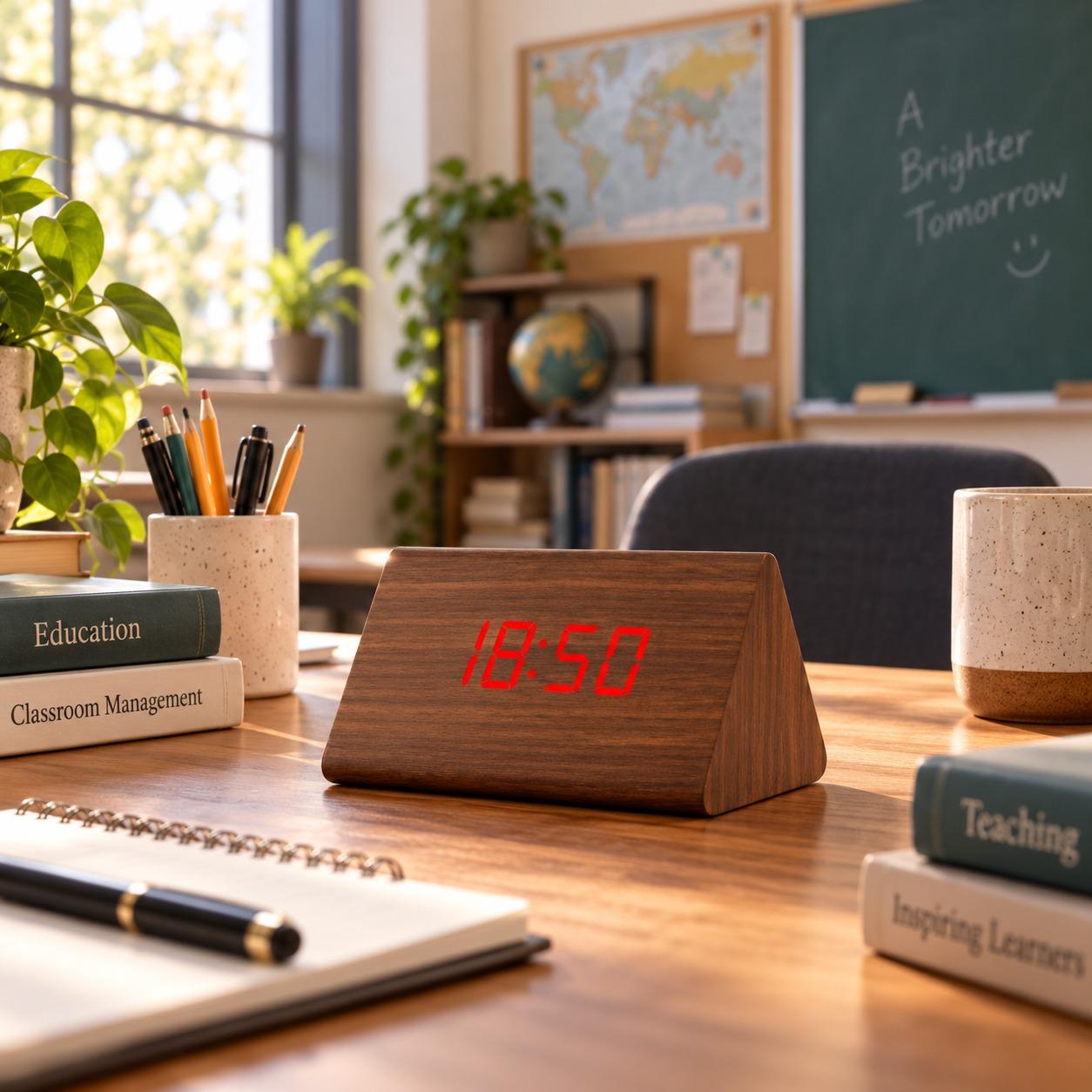
OCT17 Wooden Alarm Clock
“The wood-style face blends into a desk setup more easily than a conventional plastic alarm clock. Its exact manual remains unresolved, so several feature details are deliberately excluded.”
Check PriceDigital clocks compared#
| Product | Best for | Display/placement | Power | Most useful feature | Main limitation | Check |
|---|---|---|---|---|---|---|
| DreamSky DS312 Compact Digital Alarm Clock | Bedrooms | 2-inch digits; tabletop | Corded; AAA memory backup | Continuous brightness control | Backup does not run display or alarm | Check Price |
| JALL PH05 12-Inch Digital Wall Clock | Larger classroom display | 12-inch class; wall or table | Corded | Large wall-or-table format | Digit height and viewing distance not verified | Check Price |
| OCT17 Wooden Alarm Clock | Office desks | Wood-style tabletop display | Exact configuration not verified | Less utilitarian appearance | Exact manual/package match unresolved | Check Price |
| Zelaclock Digital Wall Clock | Remote and timer controls | 11 inches wide; wall or table | Corded; memory backup | Remote and timer functions | Evidence is based on the current listing | Check Price |
| Amazon Basics Small Digital Oval Alarm Clock | Simple bedroom use | 4.5 × 3.5 × 2.4 inches; tabletop | Corded; 9V backup listed | Compact alarm-clock format | Exact backup function not verified | Check Price |
| JALL Digital Alarm Clock | Information at a glance | Tabletop; exact size not verified | Not verified | Time, temperature, and humidity together | Exact public model identifier unresolved | Check Price |
| Amazon Echo Spot | Smart features | 2.83-inch touchscreen; tabletop | 15W adapter | Alexa, audio, routines, and clock faces | Requires more setup and raises privacy considerations | Check Price |
Before you buy: can a screen you already own do the job?#
A spare tablet, phone, laptop, second monitor, TV, projector, or interactive classroom display can become a large clock without another purchase. Open the retro flip clock, switch to full screen, and the page will follow the device's system time.
That approach is especially practical on an office second monitor or a classroom display that is already powered during the day. Check four things first:
- The device time and time zone must be correct.
- Screen timeout or sleep settings may need adjustment.
- Notifications and browser controls can interrupt the display.
- A static, always-on image may be unsuitable for some screens.
A browser clock is not a dependable standalone alarm unless you also use a separate, verified alarm function.
How we selected these digital clocks#
We treated the room as the first filter and extra features as the second. Bedroom candidates were compared by brightness evidence, alarm controls, digit visibility, power, and backup behavior. Office clocks needed a sensible footprint, readable information hierarchy, and manageable power setup. Classroom models needed a larger shared display, supported placement, and practical controls.
We also checked exact identities, available manuals, dimensions, display descriptions, warranty or support information, current US purchase routes, and recall-search results. Where a listing could not be tied to an exact manual, the missing fact stayed missing; specifications from related models were not transferred. No decimal scores were used because the bedroom, office, and classroom decisions are not interchangeable.
The shopping links were supplied after product discovery. They did not determine the awards, order, pros, cons, or evidence limits in this guide.
Our seven digital-clock picks#
DreamSky DS312 Compact Digital Alarm Clock
DreamSky's DS312 covers the most important bedside decisions with 2-inch digits, continuous brightness adjustment, adjustable alarm volume, a 9-minute snooze, and USB charging. It is more configurable than the simpler Amazon Basics clock without adding Echo Spot's connected features. Two AAA batteries preserve settings, but they do not power the display or alarm.
JALL PH05 12-Inch Digital Wall Clock
The JALL PH05 gives a classroom a larger clock format than the bedside models in this guide. Its approximately 11.2-inch-wide case can sit on a table or hang on a wall, and it works without a smart account. It needs corded power, while digit height and a tested viewing distance are not verified.
OCT17 Wooden Alarm Clock
The OCT17 earns the office-desk label through its wood-style face, which looks less like utility equipment beside a monitor or notebook. The selected listing describes adjustable brightness plus temperature and humidity information, giving it more visual context than DreamSky's time-first display. Its exact manual could not be matched, so several operating details remain intentionally unstated.
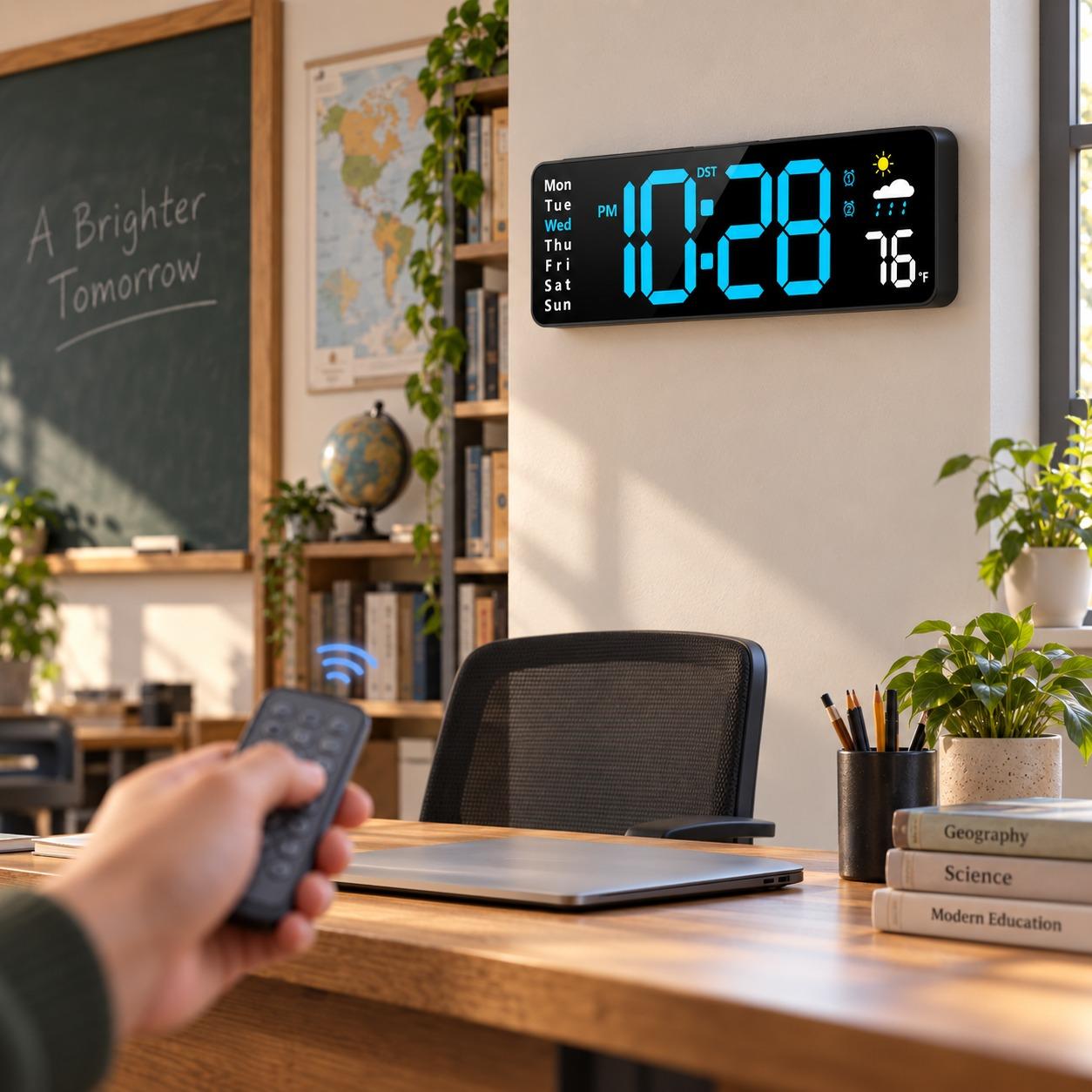
Zelaclock Digital Wall Clock
Zelaclock's 11-inch-wide corded display is the controls-focused alternative to the JALL PH05 for a classroom, meeting area, or shared office. The current listing includes a remote, date and weekday information, automatic daylight-saving adjustment, and count-up or countdown timing. Those features are useful, but an exact manufacturer manual was not available to confirm them.
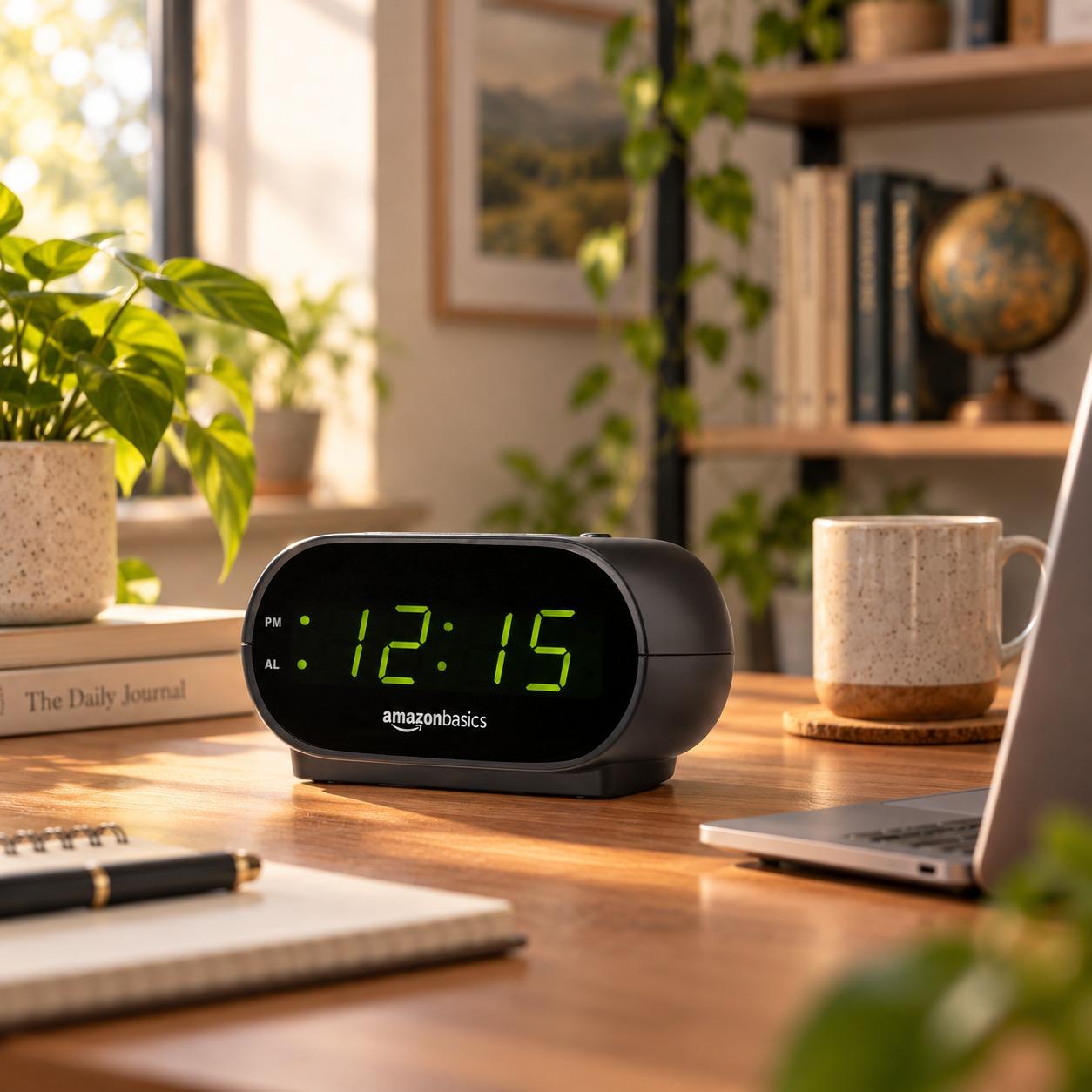
Amazon Basics Small Digital Oval Alarm Clock
The Amazon Basics Small Digital Oval Alarm Clock is for a bedroom that needs a basic alarm without charging ports, weather readings, or smart controls. Its 4.5 × 3.5 × 2.4-inch body takes little space. The product records list an LED display, nightlight, and 9V backup, but they do not confirm exactly what the backup powers.
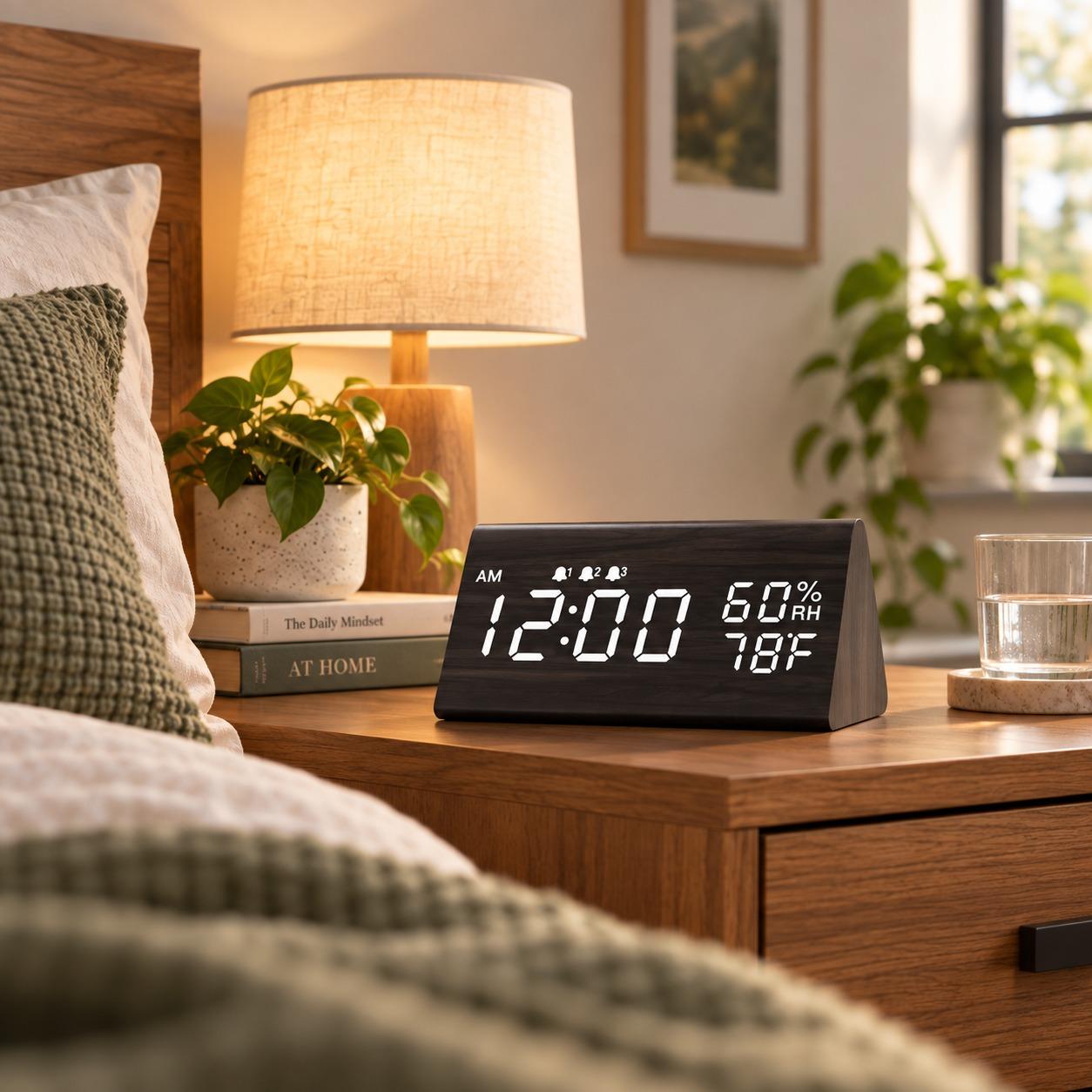
JALL Digital Alarm Clock
This JALL clock earns a narrow recommendation for putting time, temperature, and humidity on one desk display. That combination can save an office user from checking separate room sensors, while OCT17 offers a more decorative alternative. The ASIN-linked manual supports those three readouts, but the exact model identifier, dimensions, power arrangement, and other controls remain unresolved.
Amazon Echo Spot
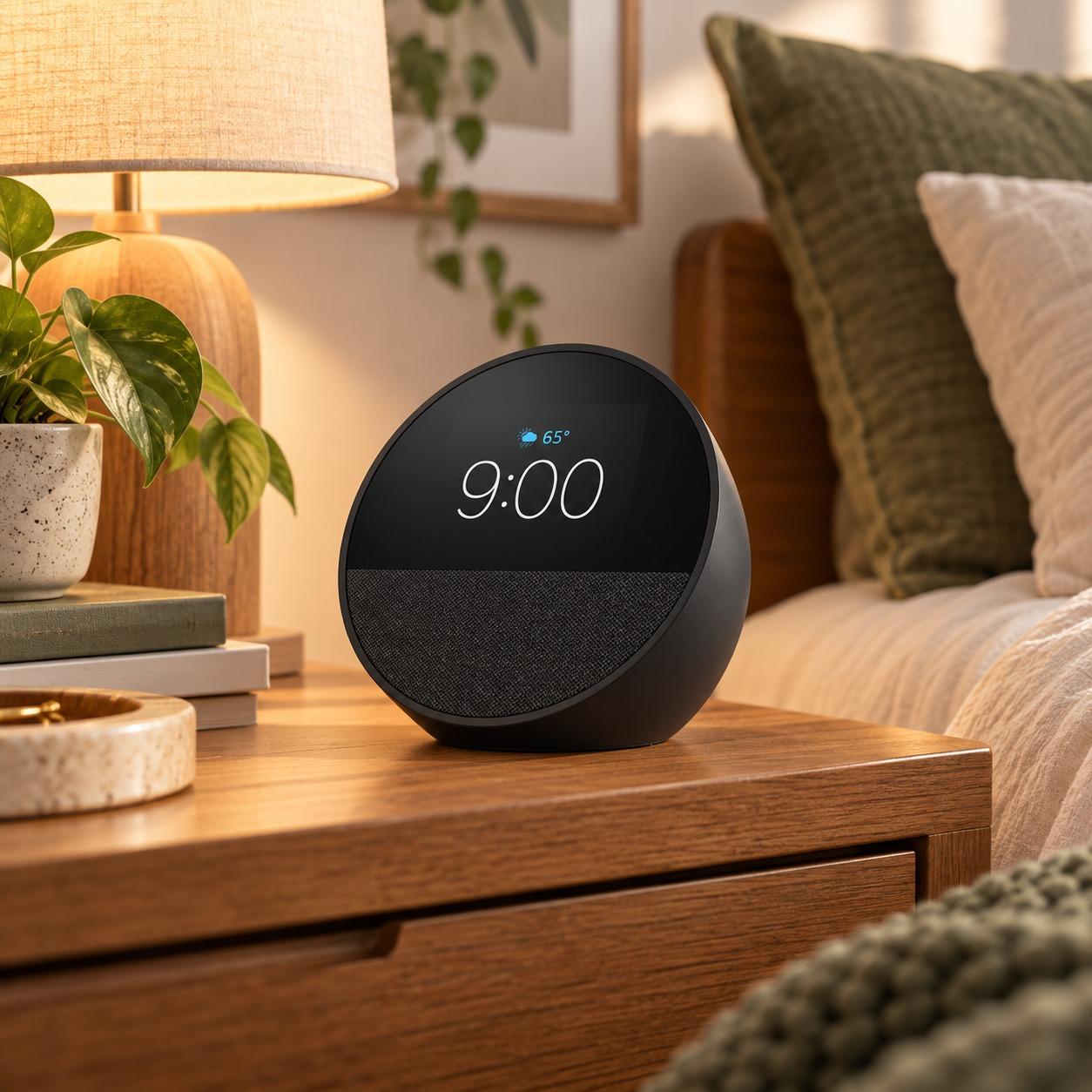
The 2024 Echo Spot adds Alexa, customizable clock faces, music, routines, reminders, and smart-home controls to a 2.83-inch touchscreen. It does far more than the dedicated clocks here, but that flexibility brings Wi-Fi, account setup, constant power, and microphone considerations. A physical microphone-mute control helps, although privacy-conscious readers may still prefer an offline clock.
How to choose a bedroom digital clock#
Start with the darkest acceptable display#
“Dimmable” does not tell you how dark a clock becomes. One model may use two fixed brightness steps, another may have a continuous control, and another may never turn fully black. If small lights bother you at night, look for a verified minimum setting or a true display-off mode rather than assuming the lowest setting will disappear.
Digit size matters at the same time. Measure the normal distance from your pillow to the clock, then compare that need with the stated digit height—not merely the width of the case or screen. DreamSky documents 2-inch digits, while the compact Amazon Basics clock is a different kind of bedside fit.
Check the alarm controls before the extras#
An alarm is useful only if its volume, snooze, and off controls match your routine. Decide whether you need one alarm or several, adjustable volume, weekday scheduling, or a large control you can find in the dark. Charging ports and weather readouts should come later.
Backup language deserves special attention. Some batteries keep the clock's settings in memory while the display and alarm remain off during an outage. DreamSky's backup works this way. Do not read “battery backup” as “battery operation” unless the exact manual confirms it.
Smart speakers and projection features add another tradeoff. They may consolidate audio, routines, or room controls, but they also add light, setup, network dependence, and more controls. Choose those functions because you will use them, not because the specification list is longer.
How to choose an office digital clock#
Match the display to the viewing distance#
A desk clock viewed beside a monitor does not need the same scale as a wall clock across a meeting room. Start with where the clock will sit and who must read it. A larger display can help at a distance, but case width is not digit height, and neither automatically proves legibility from every angle.
Then decide how much information belongs on the screen. Time alone is the least cluttered option. Date and weekday can be useful in a shared office, while temperature and humidity may help when you already care about room conditions. If room readings matter more than time, compare the options in our weather thermometer guide. Extra fields make each item smaller and give your eyes more to sort through.
Account for the desk and the outlet#
Measure the available footprint and note the nearest outlet before choosing a corded clock. Wall models need a safe cord route rather than a cable stretched across a walkway or hanging loosely where it can be pulled. A wood-style OCT17 display may suit a furnished desk, while the JALL temperature-and-humidity clock prioritizes information.
Connected models introduce a separate decision. Echo Spot adds voice control, audio, reminders, and smart-home access, but it also requires more setup and carries microphone and account considerations. If controlling lamps or other devices is the main goal, start with our smart plug guide. A basic offline clock is the better office tool when all you want is a visible time reference.
How to choose a classroom digital clock#
Plan around actual sightlines#
Start with the farthest student or staff position that needs to see the clock. Product width is not a reliable shortcut for readable distance, so look for verified digit height or test the display in the room before permanent installation. Glare, viewing angle, room lighting, and mounting height can change the result.
A teacher may also need a sightline while facing the class. That can favor a display at the back or side of the room rather than the conventional position above the front board. The JALL PH05 and Zelaclock offer larger shared-room formats, but neither should be assigned a universal maximum distance without measurement.
Separate current time from countdown timing#
A wall clock shows the current time. A countdown shows how much time remains. Some displays combine both jobs, but switching modes may hide the clock or require a remote. For quizzes and transitions, decide whether a built-in timer is useful or a separate classroom timer would be clearer.
Check date, weekday, and 12/24-hour needs before buying. Extra fields can help with schedules, but they also compete for display space. Remote controls can make a high-mounted clock easier to set, while automatic daylight-saving adjustment may reduce seasonal changes.
Finally, inspect power and mounting. A corded wall clock needs an outlet, a cable path that does not create a snag or trip hazard, and hardware suitable for the wall. Memory batteries may preserve settings without keeping the display lit, so confirm outage behavior rather than assuming it.
Frequently Asked Questions
What is the best digital clock for a bedroom?
The DreamSky DS312 is our leading bedroom pick because it combines 2-inch digits with continuous brightness control, adjustable alarm volume, snooze, and a compact case. Its backup batteries only preserve settings, however, so it is not the right choice when the alarm must continue through a power outage.
How dim should a digital clock be at night?
A bedroom clock should become dim enough that you can ignore it while resting but still read it when you deliberately look. Because sensitivity and room darkness vary, a verified display-off mode or continuous adjustment is more informative than a generic “dimmable” claim. Check the exact controls before buying.
Do alarm-clock backup batteries keep the display and alarm working?
Not always. Backup batteries often preserve time and alarm settings while the display and alarm remain off until electrical power returns. Other models may operate fully from batteries. Read the exact manual for the selected model instead of treating “battery backup” and “battery powered” as equivalent.
What size digital clock works for a classroom?
The right classroom clock is one whose digits are readable from the farthest required seat under the room's actual lighting and viewing angle. A 12-inch product label usually describes the product or screen class, not necessarily digit height. Verify the digits or test the clock before permanent mounting.
Is a digital wall clock the same as a countdown timer?
No. A digital wall clock normally shows the current time, while a countdown timer shows how much time remains in an activity. Some products include both modes, but switching to a countdown may hide the current time. Choose based on which display the room needs most often.
Can I use a phone, tablet, or computer screen as a digital clock?
Yes. A browser-based clock can turn an existing phone, tablet, laptop, monitor, TV, or classroom display into a full-screen clock. Confirm the device time, power, screen-timeout settings, notifications, and suitability for a static display. Use a separate verified alarm if waking reliability matters.
Which digital clock should you choose?#
Choose the room and viewing distance before paying for extra features. DreamSky's DS312 is the strongest bedroom option here because it combines large digits with adjustable brightness and alarm volume. The JALL PH05 makes more sense when a classroom or shared room needs a larger-format wall-or-table clock. For an office desk, OCT17 offers a warmer visual fit, while an existing tablet or monitor can run the free retro flip clock without another purchase.
Whatever format you choose, verify two easily misunderstood details: how dark the display actually becomes and what the backup battery really powers. Those answers matter more than a long list of secondary functions.